
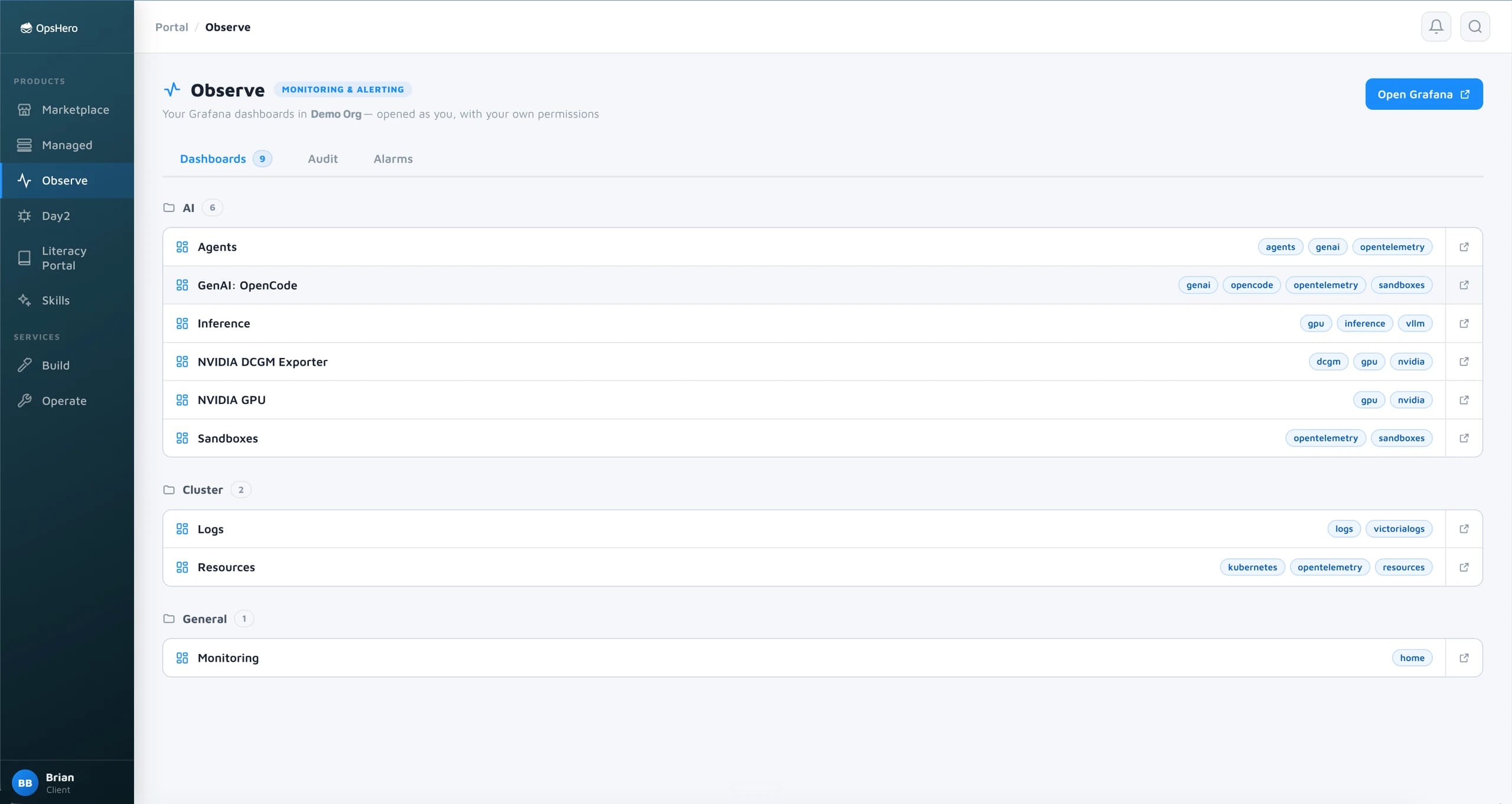
An incident does not drive the first dashboard. The dashboards and alerts are configured on Day 0
- Dashboards and alert rules arrive with the cluster, before the first workload, so the first incident lands on a screen that already exists.
- AI usage is visible from the first call: which agent, which model, which tool and how many tokens, long before the invoice.
- GPU, application and model metrics sit side by side from the start, so a slow answer and the hot GPU behind it show up together.
Dashboards from the cluster to the agent, already wired
Cluster & Workload
Cluster health and logs, metrics and traces for every workload. Dashboards: Logs, Resources. Grafana for the browser, MCP for agents.
GPU
Utilisation, memory, power and temperature per card. Dashboards: NVIDIA GPU, DCGM exporter.
Inference
Requests, tokens, latency and which model served them. Dashboard: Inference.
AI usage
Which agents and tools ran, which models they called, which tools they used and what it cost in tokens. Dashboards: Agents, coding assistant.
Open a dashboard and the answer is already on it

GPU

AI usage

Cost detail
There from the day the cluster is
Installed with the cluster. No separate project. A new cluster gets the dashboards and alert rules it needs.
One protocol. Everything reports over OpenTelemetry, including the coding assistants and agents your team runs, so AI usage lands next to infrastructure metrics.
Your permissions. Dashboards open with the viewer's identity.
Your SIEM. Connect to your SIEM or forward the telemetry to your system of choice. Possible with a simple config change.